Surface Tension Uncut - Re-Adding Cut Areas/Scenes (Expansion Project)

Text, sorry to hear about your illness. I hope you get well soon.

If you look at my post asking for an additional RC release, you’ll see that I’ve recanted my request, after I read details on your release schedule on your modDB page, specifically that the final release would ship “in a week or two”. Oddly, that point has never been stated here in these forums. The basis of my request for another RC release was due to a potential lack of time to address all of the recent and newly submitted feedbacks, part two of Conti’s detailed feedback and a wrong assumption on my part, based on what has been said here, that the final release would occur sometime this week or during the coming weekend. I’m glad to see that you’ve extended the release window into next week, especially since you’re now sick.

I want to bring to your attention two items mentioned in your changelog for v1.0-RC2-Hotfixed, map C2A5H, that still exist:

  • HOPEFULLY fixed a bug where the shards of the mirror in the bathroom were displaying black. https://imgur.com/HghTk
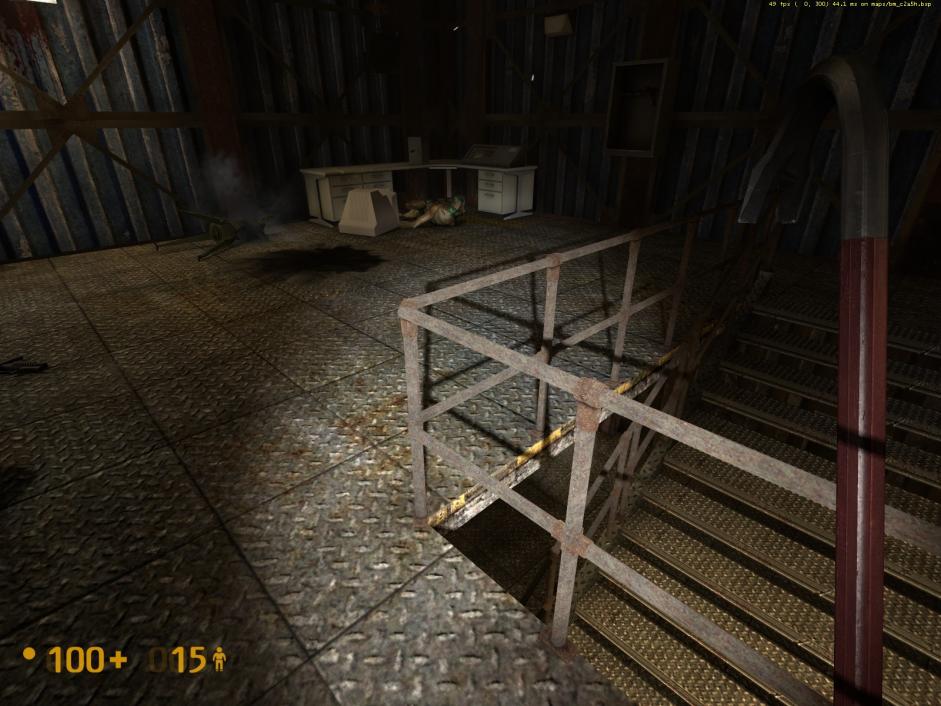
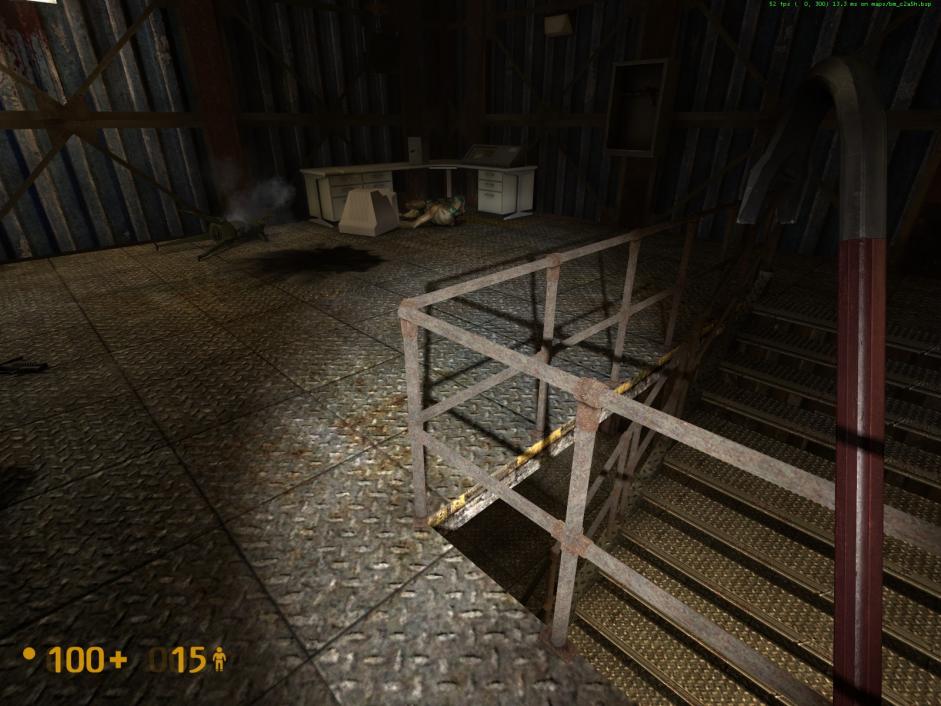
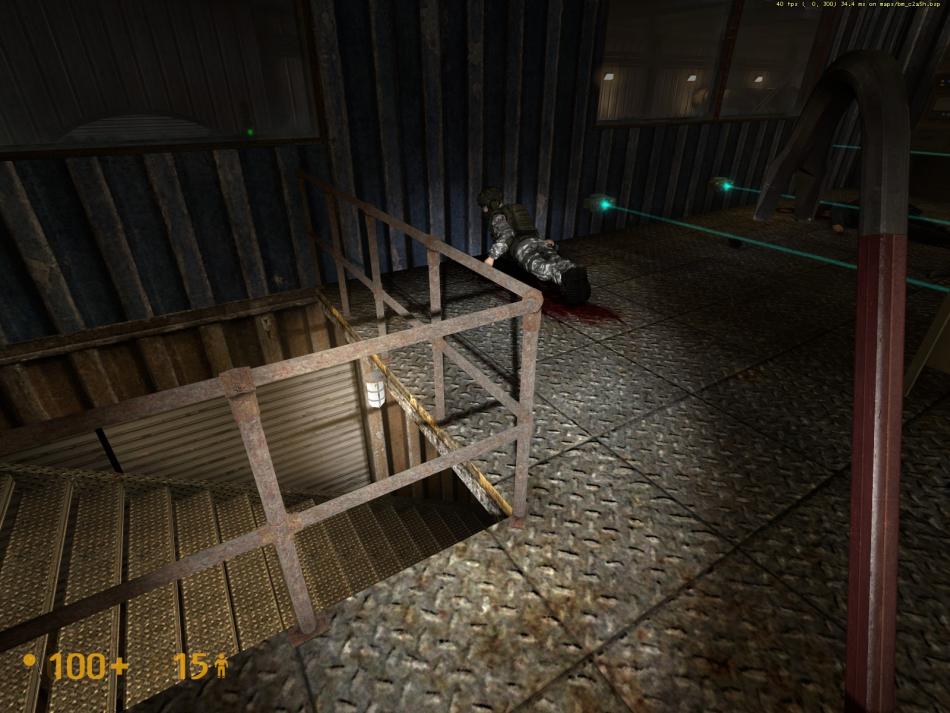
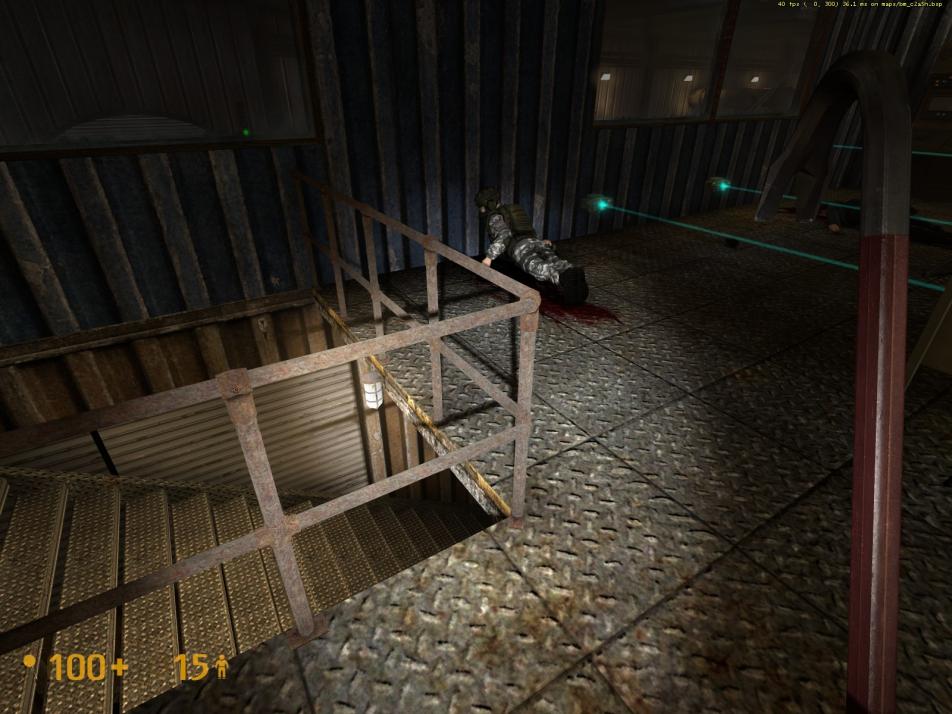
  • Fixed a gap in the railings. https://imgur.com/MZV5B (assuming you were talking about this particular gap, which I reported).

I consider all obvious clipping issues in the Garg yard to be identified and reported. There are still numerous ones that exist but they are all very minor in nature and not worth addressing.

Unless I come across something obvious or serious, feedback item #113 will be my last one for v1.0-RC2-Hotfixed (loud round of sarcastic cheers from forum members!).

Good luck sorting through all the feedbacks. Obviously, I hope that you can address all of the ones that you deem as necessary and that none of the obvious, legitimate and justified ones fall through the cracks.

Thanks for your considerations, understanding and cooperation, Text.
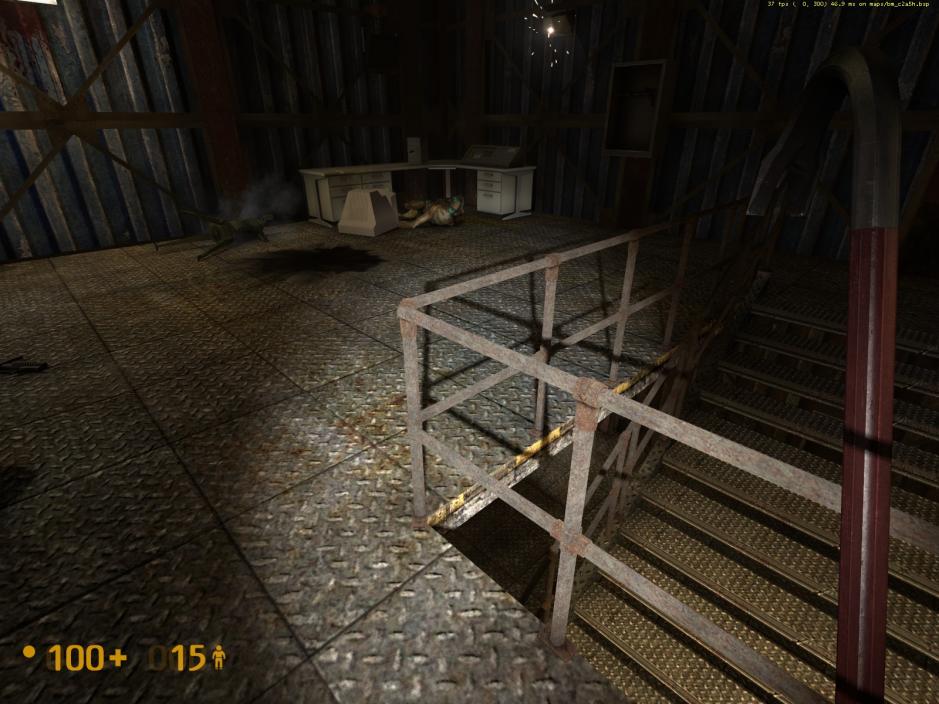
The short answer: No.
The long answer: Definitely no.

It’s not doable because that’s the way that gibs behave on the Source engine. The only way around it would be to not use gibs, but that’s FAR more expensive to render AND implement. Not worth the time or effort, in all honesty.

Fair enough, I didn’t go back to look at that post recently. It’s alright, I’m not intending to get RC Final released for a while yet. I will of course consider the wealth of feedback that I’ve been given from everyone, but…don’t expect DRASTIC differences. I will try my absolute best to consider every salient point possible but it’s likely things will fall through the cracks. But I’ll make sure nothing major does. As I said before, I don’t think there’s much major left in the maps that most players will notice. Bear in mind, that people actually playing these maps don’t use anything like as critical an eye as you lot, as testers have been. Testers look for flaws, and they find them. All the little nitpicks probably won’t be noticed by most people. Of course, it’d be much better if they didn’t exist in the first place, and I’m hoping to reach a position where most of them don’t. But…alas, that’s more of an ideal than something realistic. I’ll try. Thank you to you too Dadster, for being so infuriatingly scrutinous. Drives me up the frigging wall, but ultimately it’s improved my work, so thanks. I appreciate it.

As for the two things I said I’d fixed which I hadn’t, the shards display properly for me. I’ll try and find a cause. And the gap I’d fixed was actually another one on that same railing set. I must have fixed the gap in one place but not another. I’ll sort it out.

In terms of work, I haven’t got anything major done today. I mapped for about 10 minutes then went to bed, which is a shame as I was hoping to get stuff done. But…nevermind, I’m ill, it’s gonna set me back a bit.

I’ve just come back to Black Mesa after finally resolving my computer’s overheating issues (I was unable to run Black Mesa without turning my room into a freezer) and I have to say this looks fantastic. I love some of the changes that you have made, and how you expanded some of the scenes from the original HL. I’m quite surprised one person was able to do this in a few months. One of my favorites was how you handled the battles, they worked out very nicely.

If I’m not too late, I have a few small suggestions (in no particular order other than how I remembered them):

  1. HL2’s destroyed blue car in the Parking Garage doesn’t fit well in Black Mesa’s post-2000 American setting. I would suggest it be replaced with something else.

  2. As with HL1 and some parts of HL2 and BM, once a major battle is finished, the area around is just way too quiet. It gives off the impression that the war is centered around you, something which should be avoided imo. I suggest adding much more combat oriented sounds to the background in these locations.

3a. The Humvee in the area near the airfield before the Alien Grunt fight seems to have hitbox issues (in the video, it snagged one of your bolts, and absorbed a shotgun blast that wasn’t aimed at it). Since this is probably model based and may not be fixable by you, I would suggest moving it to a bit more out of the way location.

3b. Having all 4 Alien Grunts attack at once seems a little much to me. But that’s more of a personal gripe, as Alien Grunts tend to annoy me.

3c. If you’re having trouble with the Harrier take-off scene, you could perhaps consider parenting the model to an invisible Osprey and having it take-off vertically (Harrier Jets are capable of vertical take-off) before flying forward? I don’t know how hard that would be (if it’s even possible) or whether it’d look good.

  1. More random fly-by’s would be cool, but not inherently necessary.

  2. Again not a major issue, but the Abrams Tank in one of the battle has a tendency to blow up half / all the Soldiers around it, making it more of a liability to the Marine’s side than a help. This is more of an AI issue (it happens in other areas that feature the Tank / Soldiers), so I’m not sure how a mapper could resolve this other than having the Soldiers fight separately of the Tank.

I do hope you are able to adjust the heights of those HP and energy dispenser units on the walls. Too high in comparison to the rest of the facility. If it stays like that, I might have to decompile the maps to fix them myself, just seems out of place for them to be that high.

Maybe this is a problem with your display settings. I didn’t have this problem in the latest playtest with RC2 (all display settings on high). Try maximizing your settings to see if it helps.

You’re playing an old, possibly very old version. The Soviet cars have been gone for several versions now.

That’s an interesting “threat” (for want of a better word), but I’d love to see you try that. Good luck rebuilding the occluders/areaportals and their I/O logic. Let me know when that works out. Could you also fix EVERYTHING ELSE that’s wrong with the maps for me? That’d be great! I kid, I kid.

Possibly. Like I said, it worked fine for me.

For the new car park door power puzzle maybe you could add a sparking wire that leads from the door to the power box. Or try putting a sign by the switch that says in case of emergency throw the circuit breaker or something like that. It’s not that the puzzle is hard or anything, just that it could be a nice touch.

Inside the garage on level three would it be possible to have the zombie break out of that door if you come from the outside rather than up the stairwell? Currently he sees you and starts walking into the door with parts of him clipping out. Also note that if you do go to the third floor from the stairwell the spawn for the Grunt isn’t in a good position. He’s too far back there and hidden so he never sees you unless you walk back there. I would move him closer to the middle of the room and not behind a pillar anymore. Really his location is just bad no matter which direction you come from.

Also I have really bad frames in the furnace as well. It’s the only part of the maps that actually slow down for me now and some of the other parts around there even felt a bit slower too like the gasworks.

Personally I never thought the furnace room looked that bad. If you do mess with the lighting more I would also recommend moving that grate that the light is coming from. Where it’s at now allows the corpses from the battle to clip through it from time to time. Maybe rotate it 90 degrees and put it along the back wall behind those pipes so the bodies have a smaller chance of falling on it.

https://i.imgur.com/1mEcO.jpg
Picture related. This guys hand was bugged out on the grate so it looked like he was waving. It was fairly creepy.

Also remove that car in the parking area right outside the tunnel into Forget About Freeman. It’s still indestructible to the mortars that start dropping and looks silly.

Text, thank you for your kind words.
In the end, it’s all about reaching the maximum amount of functionality and looks, that the world you’ve created is believable and makes sense when compared to a real-world setting. An important part of this has a lot to do with the little details and that those little details remain consistent from room to room, hallway to hallway, tunnel to tunnel, yard to yard and level to level, to imply that they’ve all been “installed” using the same blueprints and criteria. That’s been the thrust of my scrutiny, excluding the clipping issues, that a control switch on one side of the road is exactly the same as the one across the roadway and the same down the tunnel, or in another level altogether. This greatly increases believability which goes a long ways towards deepening the immersion factor. But like you said, you’re just one dude, albeit a very talented and dedicated one. Don’t lose sight of that goal and cheapen the result by taking shortcuts, especially now when you’re so near the end. Concerning relatively simple issues, we have presented this information to you and it’s just a matter (not implying simple) of acting on them, if you see them as necessary and worthwhile. This project will be an important part of your resume for entry into a possible career in game development. Don’t sell yourself short at this point. Maintaining a high level of consistency, quality and commitment will serve you well in the end.

===================================

I’ve been on maximum settings during the entire time. Two MSI GTX-570’s OC/PE in SLI mode, on latest nVidia v310.70 WHQL drivers.

I watched the video actually, I haven’t had a chance to play it myself yet, christmas 'n all. I’m getting on that soon though.

What a minute… are you saying that there was another railing with a gap in gasworks… and I missed it!

That pisses me off! I really need to bear down and concentrate on being more thorough. :what:

==================================================

Feedback For v1.0-RC2-Hotfixed

  1. Gasworks - Ceiling light fixture, adjacent to the helicopter wreckage, is floating in mid air. https://imgur.com/Rb7ni
  2. Gasworks - Light fixtures that are arcing are usually not illuminated. This arcing light above a window leading into the upper level of the security office is arcing and is illuminated https://imgur.com/nTlZU. There are two lights in the upper level of the security office and one in the lower level which are arching, but neither of these are illuminated. This exception in design may serve as a clue for how the player should proceed, but I don’t know if it’s absolutely necessary to do so. The light arcing, in itself, should be sufficient.
  3. Security office - On the lower level, consider adding a light fixture to this wall https://imgur.com/IAwP4. The opposing wall has two light fixtures and the same wall on the upper level has one.
  4. Tank yard - Texture seam issue on wall. https://imgur.com/ynihj. Texture issue on roof surface, at base of wall, already reported earlier as item #70.
  5. Tank yard - Texture/lighting issue on underside of roof lip. https://imgur.com/3HI5I and https://imgur.com/f45eR
  6. Tank yard - Rubble pieces and metal bar clipping into wall. https://imgur.com/9dHJo and https://imgur.com/1ym8m .
  7. Tank yard - Terminate these three wires into the wall, as done elsewhere in the yard, instead of them entering into the front of the AC unit. It would look far better. https://imgur.com/Krgie and https://imgur.com/LML0h .
  8. Gasworks - The is the second incident of an I-beam with a flickering texture. https://imgur.com/nEo6b and https://imgur.com/FExBm. Other incident was reported as item #56.
  9. Gasworks - Railings in upper floor of security office have flickering textures. It’s visible in the upper and lower railings from approximately the two-thirds point of the rails to the corner. Occurs on the other side as well, same parameters. Pictures below give a better indication of the problem.

To be continued… (but soon to be over).


Well actually it is the only gripe I have atm. The rest is really not that big of a deal. Those dispensers just feel really weird in their height after playing the rest of the game.

The Garage remains consistent in appearance with the other garages you find throughout Surface Tension. It’s very different to the original, but for the better

Quick note regarding the car shop window:
In addition to my previous suggestions, I’d recommend also making the destroyed window debris fall to the ground SOLELY due to the influence of gravity rather than being pushed into the shop from the explosion. This is similar to previous betas where you used the old debris textures. Again, the reason here is that the explosion’s force is only conveyed through the door trap. What breaks the window is the jolting of the walls from the explosion which creates cracks and shatters the window, causing it to fall to the ground rather than any force outside the window pushing it into the carshop.
In summary: 1) debris should match the color of the original window 2) no water gushing effect on the window during detonation to convey force 3) debris just falls to the ground rather than being pushed into the building.

Sorry, not gonna change the window effect, for a few reasons:

  1. I like it.
  2. It highlights further the importance of that area and draws the player’s attention to it.
  3. It’s a stock Black Mesa effect, I didn’t make it.
  4. You’re the only one who’s complained about it, everyone else seems fine with it.

I have however, made the window a bit bluer in colour to match the debris effect a bit better.

As for the rest of the mapping, I’ve pretty much “checked in” C2A5G, aside from a few minor problems here and there. C2A5H will probably have more to address but I look forward to it. Probably the biggest thing I did on C2A5G was replace all the rocks on the road to the helipad. Black Mesa’s model rocks are actually mostly kinda crap so to try and make it better (look nicer and eradicate the clipping, as most of their stock rocks do not have back faces), so I made a rock or two out of displacements myself. It actually looks really good, so I’ll definitely replace most of the rocks on C2A5H - notably the one by the out-building and the one by the xen jump pad.

Text, please take note that I’ve revisited and updated most of my earlier feedback posts with images, in order to provide you with a better understanding of the problems/issues. Please re-review them at your leisure.

Also, to minimize complaints about multiple postings, I’ve been adding-on additional feedbacks to recent existing posts, so please do frequent them to see the most recent entries.

Thanks a lot for the hard work Text, appreciated! <3

Wow, combing through the copious amounts of feedback this wonderful community have provided me appears to be doing my head in. However, I’m getting near completion point. Dadster’s snagged lots of very obvious errors which never really crossed my mind, but they’re mostly being dealt with (though as always, 40 - 50% I CANNOT address, or have consciously decided not to do).

There is one thing I want to mention though - and that’s the damn seams on the fucking furnace. It is driving me up the wall. It’s entirely because IT IS IN NO WAY, SHAPE, OR FORM, my fault, and it looks REALLY bad. It’s because Hammer is USELESS at quantization, particularly with lathed objects such as the furnace. I can put every single vertex for the furnace, by hand, onto the grid (and have done so SEVERAL TIMES NOW over the course of development), and make sure they’re all aligned beautifully and perfectly. Then when I compile the game, or reload the map in the editor, they’ll all be skewed, off the grid, and inconsistent, because Hammer sees fit to round their co-ordinates incorrectly. I’m at my wits end with it, it affects all complex brushwork but particularly the furnace. It’s annoying because it shouldn’t ever happen, and I can’t do much about it, aside from turning the furnace into a model, which I’m contemplating doing. I may have to recruit a modeller.

In other news, perhaps a little more cheery, I’m pleased to announce that once this project is over, I will work on “On A Rail Uncut,” or I may dub it “On A Rail Extended,” as I am under the impression that OaR’s “cuts” were intentional and by design rather than a result of anything else. I will step back with the community involvement a fair amount on this one, as another hands-on extremely in-your-face, 105 page project will almost certainly be the end of me. I thoroughly enjoyed mapping for ST Uncut but by the time I’d hit v0.83 the mapping process devolved from enjoyable, creative work to laborious, slow, very low-return adjusting minute and frustrating things, and I haven’t been enjoying it. Hopefully being able to restart the creative process in my mind, by beginning OaR Uncut, will allow me to again find that enthusiasm I had before. It definitely should. I have some nice ideas for it. I am planning on 1 - 2 maps (2 AT MOST, more likely 1), loosely based on some original HL material. It will be much more loose in terms of how it follows the original than ST Uncut was, but this is mostly because that’s the way Black Mesa treated OaR anyway.

Let me know what you think. The pace of work will probably be a lot slower as will my community involvement (only initially; on first beta release it will likely be much the same as it has been), but mapping for OaR should (emphasis on SHOULD) be easier than Surface Tension, especially given my now expanded knowledge as a result of this project. Lots of the problems left over on ST Uncut are a result of me being far less knowledgeable when I started the project than I am now.

I want to start off by saying thank you, I now cannot imagine playing Black Mesa without ST uncut.

I want to doubly thank you for deciding to do OAR uncut. Black Mesa’s OAR (IMO) suffered from the fact that I thought the design and atmosphere was leagues better then the original OAR, but it was waaay too short. It didn’t have the sense of travel the original one conveyed - and while the first level of OAR in the original was pretty bad, a lot of it was decently fun.

I feel an extended OAR with the visual style and atmosphere of BM’s OAR could be amazing.

You should start a thread for “OaR Extended” (more appropriate name) on leak free now to reserve the spot. That way you can update the OP once you’re ready to make the project public. I’ve had a chance to compare BMS OaR w/HL OaR so I can post up a list of key missing features on the new thread as a reference guide…it’s kind of weird to do it here. The execution is really up to you but I think the earlier you get design suggestions (not nitpicking BS like you do now) the better, as things might be too locked in place later on to implement some cool ideas.

Why not just make the furnace a model? <_<
I guess that’s not something you want to do. Hmm.

Edit: I just read your post further, and looks like you were thinking what I was thinking.

Edit2: Found this interesting thread: https://forums.steampowered.com/forums/showthread.php?t=970412

Founded in 2004, Leakfree.org became one of the first online communities dedicated to Valve’s Source engine development. It is more famously known for the formation of Black Mesa: Source under the 'Leakfree Modification Team' handle in September 2004.